
The Ultimate Guide to Online Image Editing Tools
The Ultimate Guide to Online Image Editing Tools
Online image editing has made it easier than ever to enhance photos without installing expensive software. Whether you need to resize, compress, crop, convert, or optimize images, browser-based tools provide a fast and convenient solution for both personal and professional use.
Benefits of Online Image Tools
✔ No software installation required
✔ Fast and easy image editing
✔ Compatible with desktop, tablet, and mobile devices
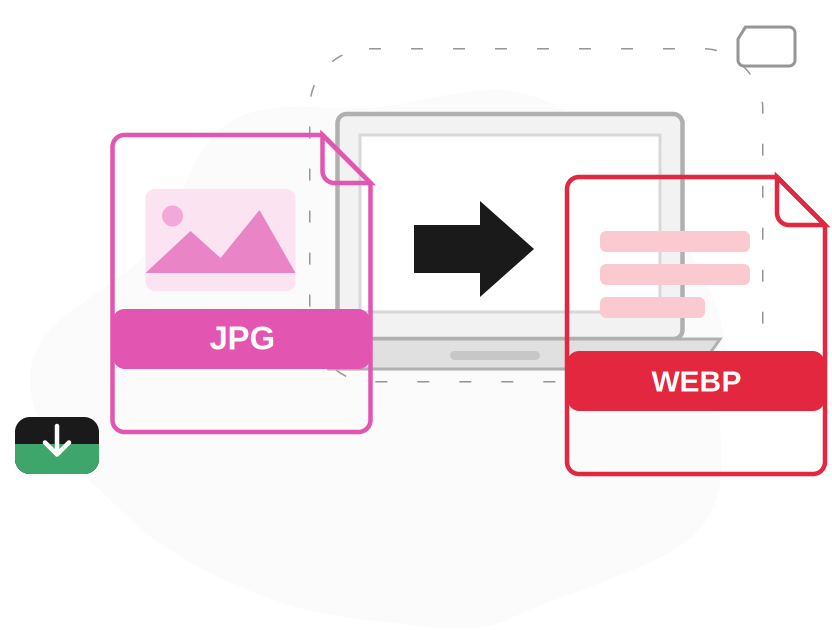
✔ Supports popular formats like JPG, PNG, WEBP, GIF, and BMP
✔ Saves time while maintaining excellent image quality
✔ Secure and user-friendly experience
Popular Image Editing Features
Modern image editing platforms offer a variety of useful tools, including image compression, resizing, cropping, background removal, format conversion, rotation, watermarking, and image enhancement. These tools help users create professional-quality images in just a few clicks.
Why Image Optimization Matters
Optimized images improve website loading speed, enhance user experience, and support better search engine rankings. Compressing and resizing images before uploading them reduces file size while preserving image quality, making websites faster and more efficient.
Tips for Better Results
Always use high-quality source images, choose the correct file format for your needs, avoid excessive compression, and keep a backup of the original file before editing. These simple practices help maintain excellent image quality while improving performance.
Conclusion
At iLoveImageTool, we offer more than 50+ free online image tools designed to make image editing simple, fast, and accessible for everyone. Whether you're editing photos for social media, websites, business, or personal projects, our tools help you achieve high-quality results quickly and efficiently.